1. 安卓
# 有google play商店(没法用的等同于下面的无google play商店)
直接商店搜Google Authenticator安装即可
# 无google play商店
## 有代理工具
去apkmirror下载直装的apk, 链接如下, 点DOWNLOAD APK即下载
https://www.apkmirror.com/apk/google-inc/authenticator/authenticator-7-0-release/google-authenticator-7-0-7-android-apk-download/
## 无代理工具
apk地址如下:
https://wwaon.lanzouu.com/isS2A48okbxg
密码: 690z
手机浏览器没法下载的话改成桌面模式打开
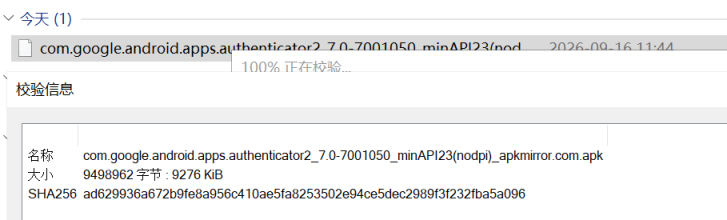
从apkmirror下载后上传的, 下面是apkmirror给的文件校验
複製代码
- This APK com.google.android.apps.authenticator2_7.0-7001050_minAPI23(nodpi)_apkmirror.com.apk is signed by Google LLC and upgrades your existing app.
- APK certificate fingerprints
- SHA-1: 38918a453d07199354f8b19af05ec6562ced5788
- SHA-256: f0fd6c5b410f25cb25c3b53346c8972fae30f8ee7411df910480ad6b2d60db83
- Certificate: CN=Android, OU=Android, O=Google Inc., L=Mountain View, ST=California, C=US
- The cryptographic signature guarantees the file is safe to install and was not tampered with in any way.
- APK file hashes
- MD5: b7bc08eb6e068f71a11a57e5076d6886
- SHA-1: 785117d6ed0f44ae4794238ec81145542b0e819b
- SHA-256: ad629936a672b9fe8a956c410ae5fa8253502e94ce5dec2989f3f232fba5a096
- Verify the file you downloaded is not corrupt and was not tampered with using the file hashes above.
複製代码
可以用7-zip校验下SHA-256(感觉第三方apk下载apkmirror算比较靠谱)
2. iOS
# 系统版本>=18
直接使用官方的密码管理器
https://apps.apple.com/app/id6473799789
打开app, 点进验证码
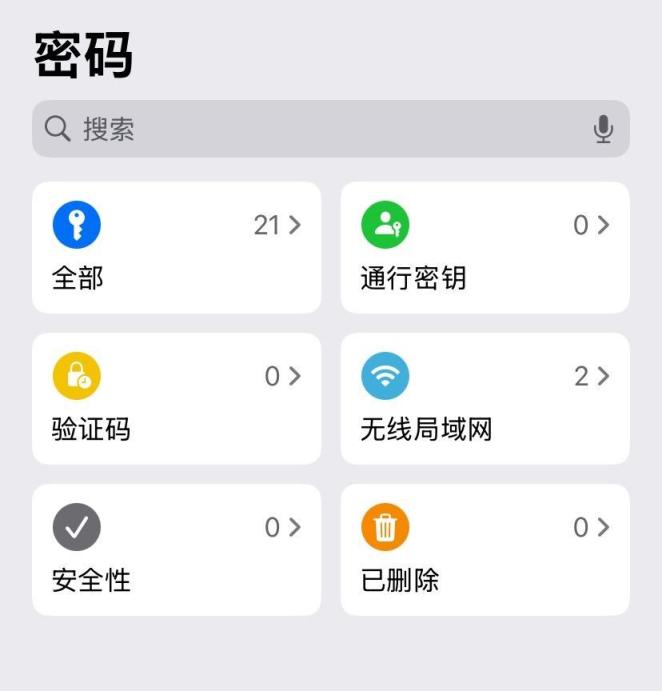
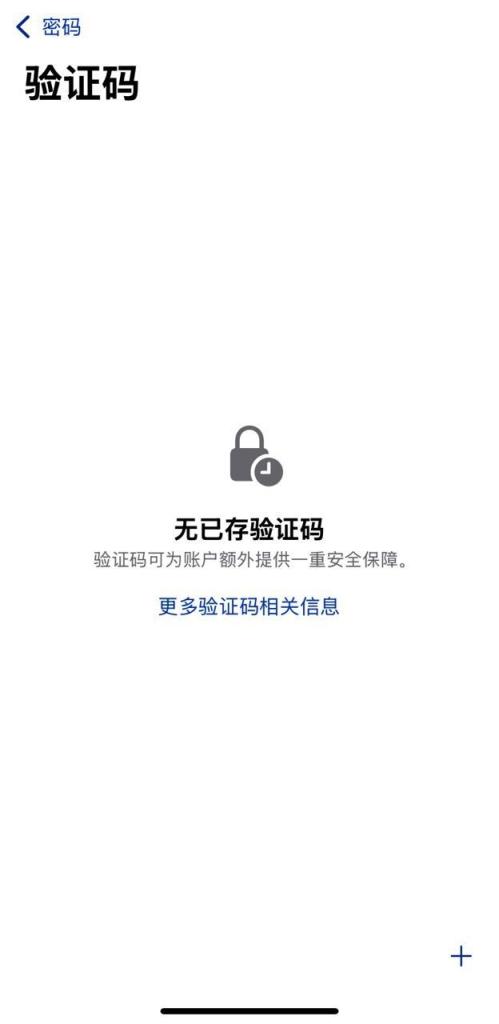
点右下角的+号
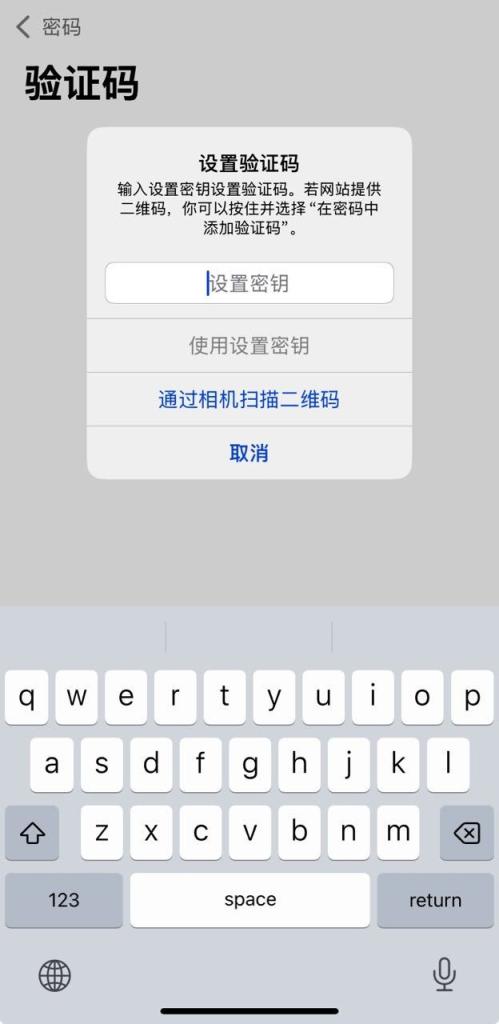
输入草榴两步验证设置的那一串字符串,并点下面的"使用设置密钥"
搜索保存的草榴站, 没有保存就新加
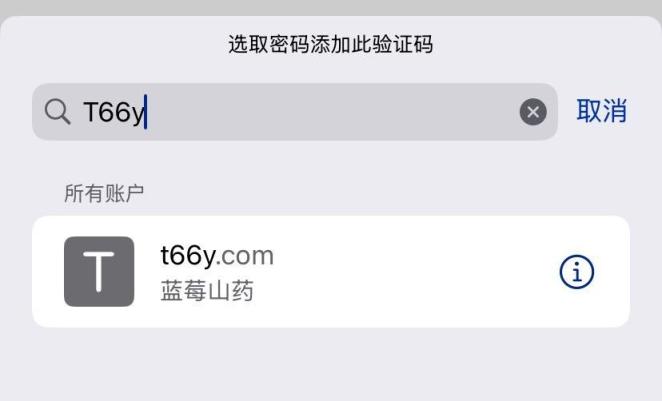
设置完毕
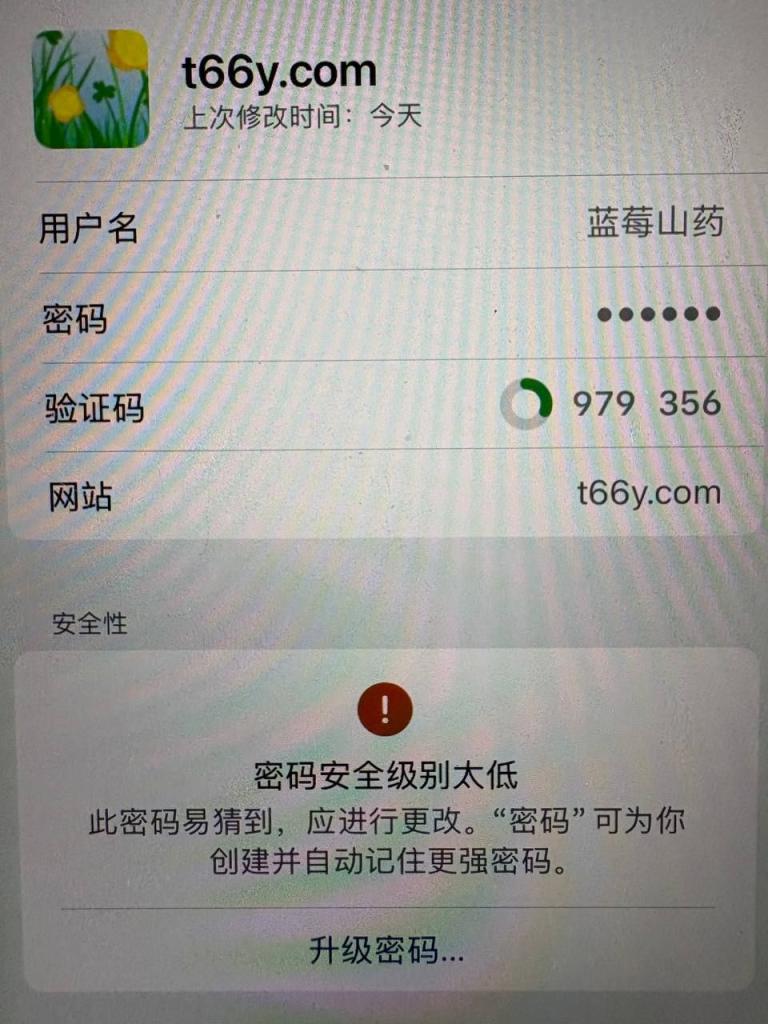
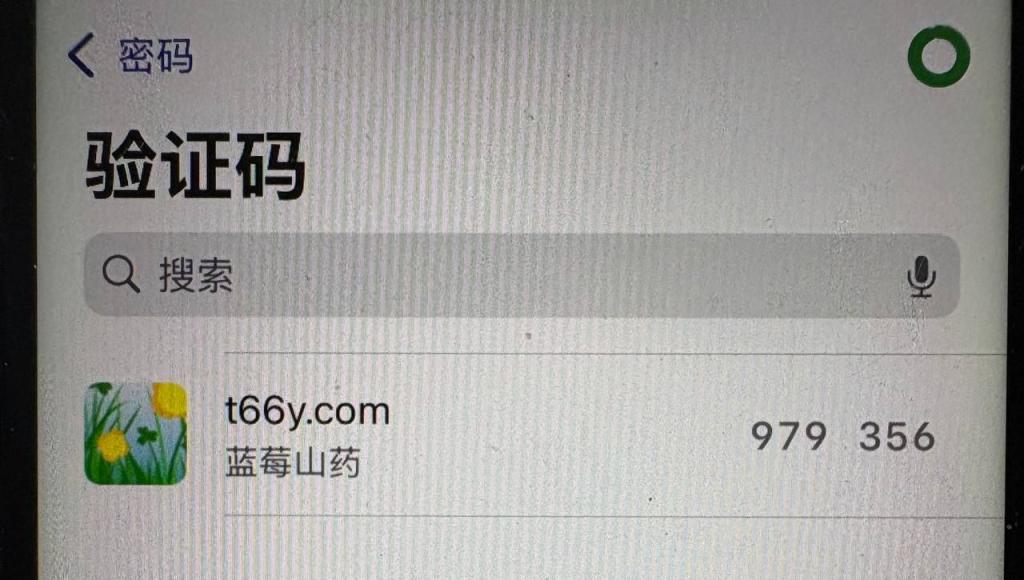
后面登录需要两步验证的6位数字就从app的主页点进验证码就能看到了
# 系统版本<18
## 有外区号(系统版本需>=16):
安装Google Authenticator
https://apps.apple.com/app/id388497605
## 无外区号(系统版本需>=17)
安装Microsoft Authenticator
https://apps.apple.com/app/id983156458
PS:
使用Microsoft Authenticator的大佬们, 在2027年1月后可能要手动备份了, 下面是微软官网的提示:
複製代码
从 2027 年 1 月开始,你将不再使用 Microsoft 个人帐户启用备份。 你需要从 Google One 备份启用“Microsoft Authenticator”。
个人只推荐这三家(谷歌/微软/苹果)的验证器(验证器最核心的作用就是防盗), 并且是正规渠道下载的, 其他方式安装的风险自担~